passportOS

Know what belongs to your
home.

A property passport organises details about your house or apartment together with the documents that support them. Equipment, inspections and repair history have their place, so you can find them when you need them.

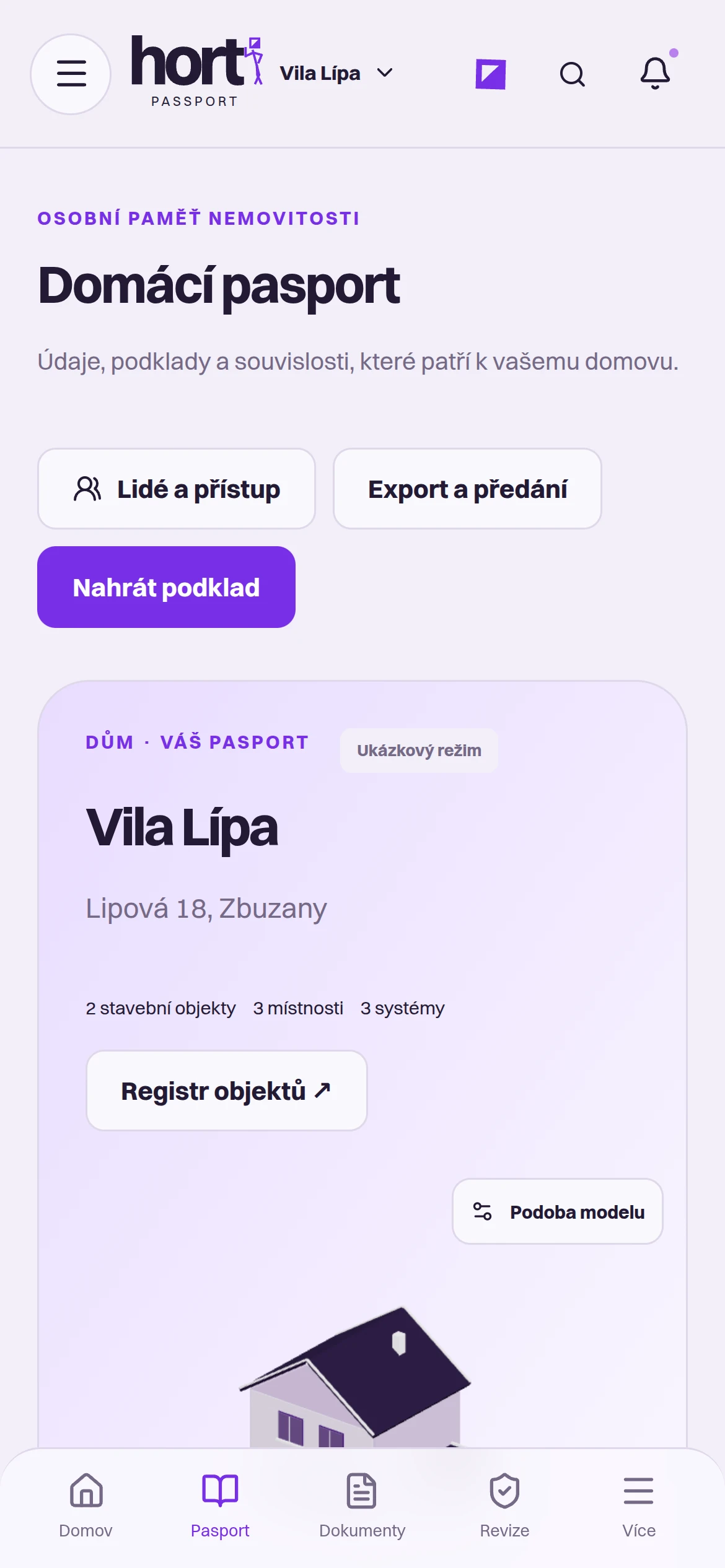
The Hort app on a phone: Home passport for the Vila Lípa property with People and access, Export and handover, and Upload a record buttons.
Property passportHort app

What’s in a property passport

  1. Details and their sources

    Each house detail comes with the record behind it: a drawing, inspection report or manual.

  2. Documents and equipment

    Contracts, manuals and inspection reports belong to a specific room or device. During a repair, open the exact record you need.

  3. History you can refer to

    Repairs, inspections and changes stay with the property. The next tradesperson, a new owner or you in a few years can pick up where the work left off.

An example from home

Example: finding your boiler manual

Your boiler stops heating and the service technician asks for the model and latest inspection. Open the utility room in your property passport to find the boiler’s manual, a photo of its label and the inspection report. You can then share the exact document version with the technician.

This is an example of how to use a property passport, rather than a specific customer’s story.

The next step for
your situation.

  1. Choose your property

    A house, apartment, cabin or plot of land. Each property has its own passport.

  2. Add your first record

    Start with what you have at hand: a purchase agreement, a drawing or the boiler manual.

  3. Add details as needed

    When you repair, inspect or buy a new appliance, add the new details and the records behind them.

Your questions.

Start with what you have. Add to your passport over time as new records become available and your property changes.

No. A property passport organises the details and records you have for your property, but does not replace project or official documentation. An uploaded drawing or inspection report remains the original document; the passport helps you find and organise it.

The Hort app runs in a web browser on your computer, tablet or phone. Open it using the link Open the app, or on the page Hort app scan the QR code with your phone.

Start with your property.

Arrange a short introductory call. We’ll review the records you have and decide where to start with your property passport.

Arrange an introductory call