Hort app
Documents and details
for your property
Open the Hort app and see your property details, documents and history in one overview.
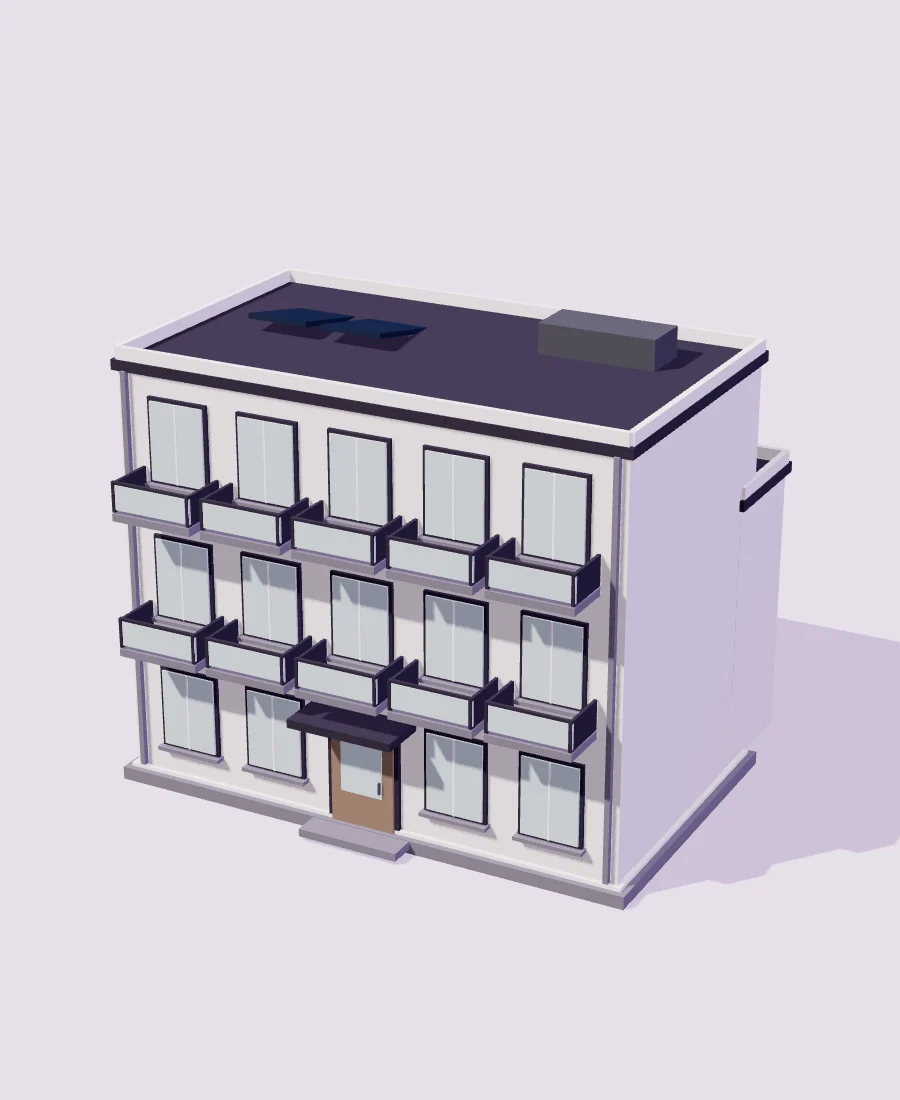
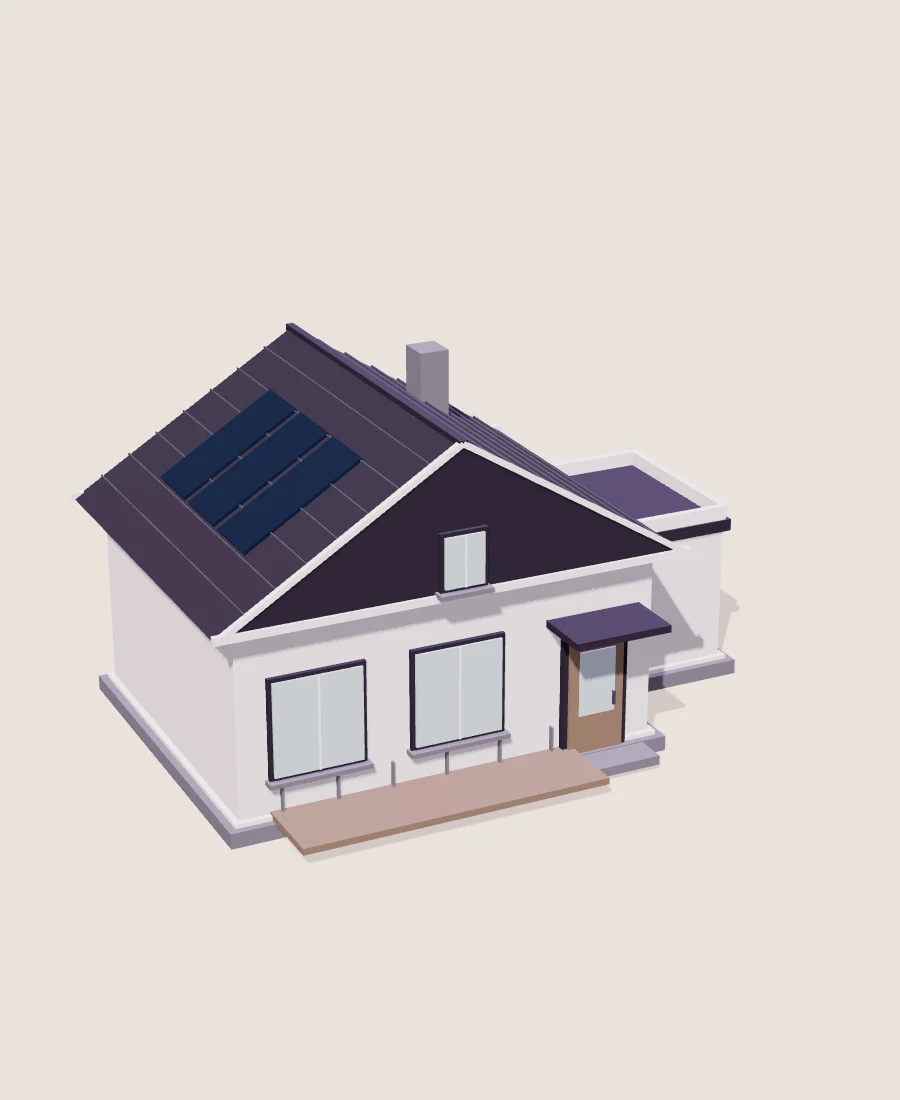
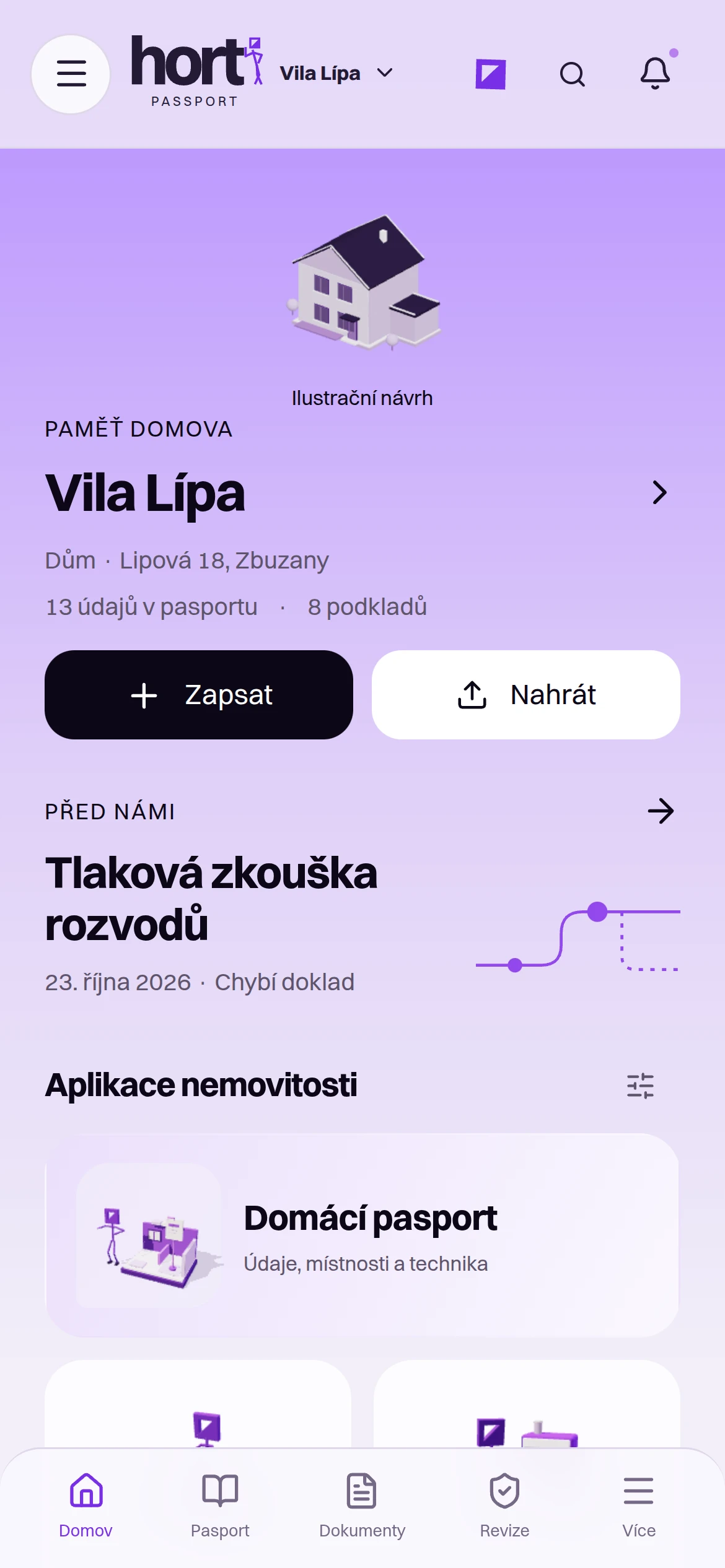
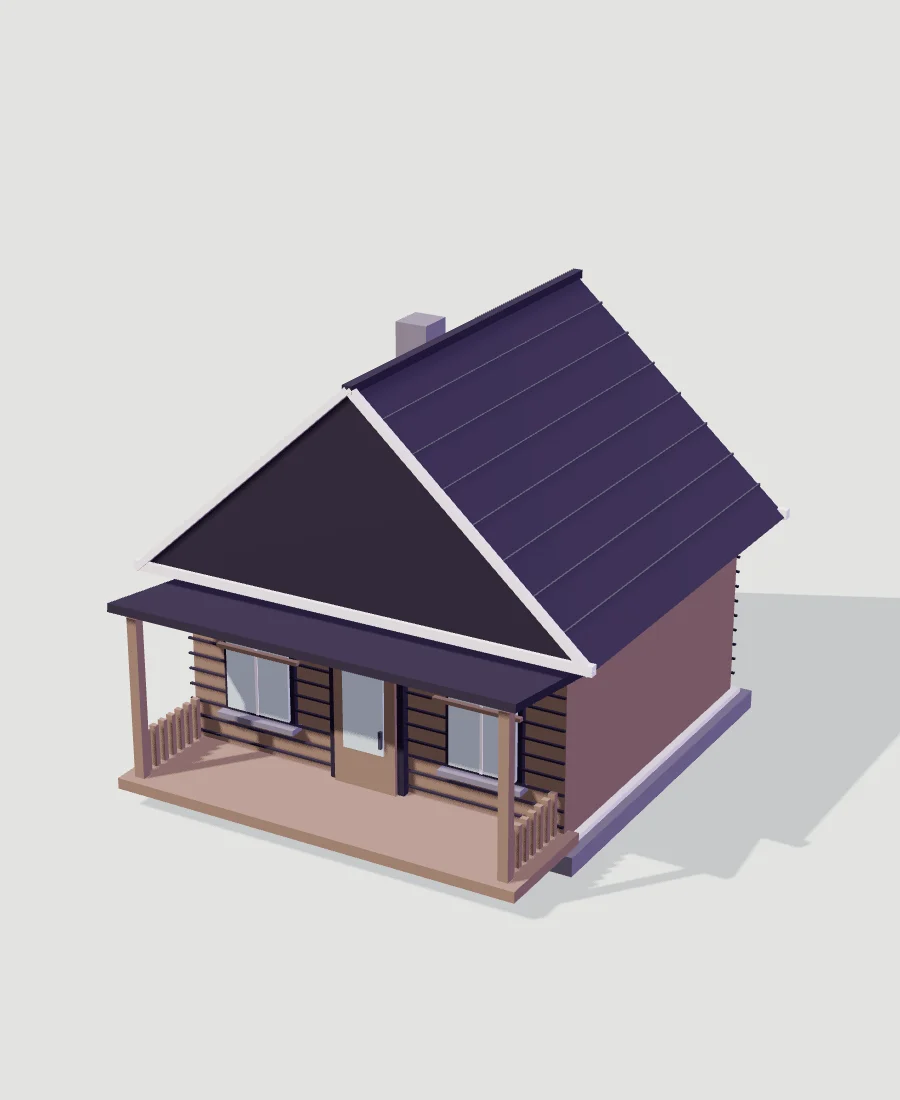
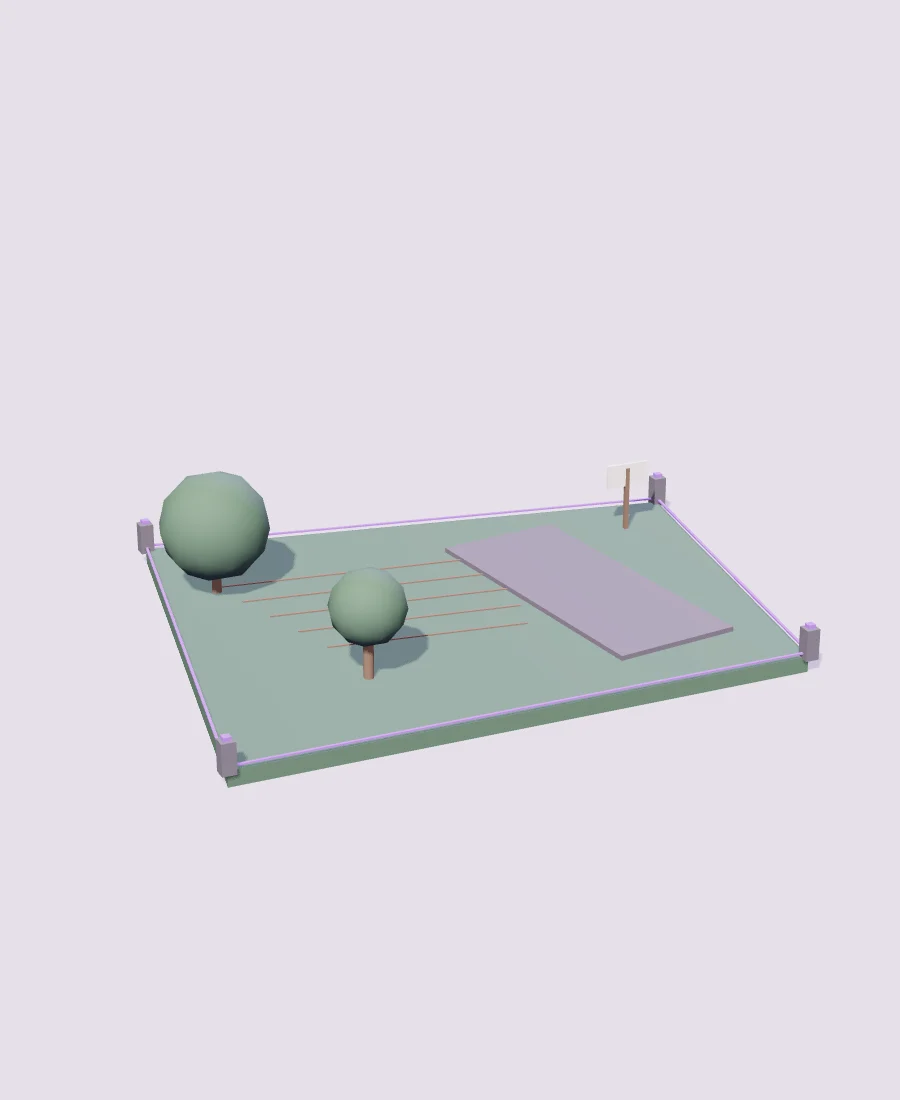
Open your records
on your phone or computer
Contracts, manuals, inspection reports and drawings stay with the property they belong to. Open them on your phone or computer.
Open the app
Documents, inspections
and record sharing
Store documents, inspection reports and drawings with your property, and keep track of who can access them.
- Share an exact document version
- Inspections and your own deadlines in one place
Choose who has
access to your records
You control access to your records. Each time you share, you choose the recipient, permissions and specific document version.
Learn moreFrequently asked questions
The Hort app is your personal property passport. Store details about your house or apartment, documents, inspection reports, project documentation and history. You can attach the supporting record behind each detail.
Find supporting records linked to a specific property, room or device. Keep inspection dates in one place, share an exact document version only with people you grant access to, and transfer an organised property passport when selling or handing over the property.
Based on the plan you choose. Each property has its own passport. You can find the plans in Pricing.
You don’t need to download anything. The Hort app runs in a web browser on your computer, tablet or phone. On your phone, use the button Open the app; on a computer, scan the QR code below.
The iPhone and Google Play apps are planned for 15 November 2026.
Yes. Personal plans are billed monthly or annually, depending on the number of properties; see Pricing for the latest prices.
When a construction company hands over your house through HortBuild, the property is period free.
Open the app
Your property passport, documents and property history in one place. Open the Hort web app on your phone or computer.
Open the app